Command palette
Ctrl K runs any command or jumps to any mod. Entries for capabilities the current game lacks are simply absent.
Features · development preview
A tour of the manager we’re preparing for release: install, order, deploy and maintain a modded setup. Screens show development builds, and features depend on the game integration. The final release notes will identify what is available.
Library
Mods live in a library folder you choose. Deployment places the enabled files in the game folder using hardlinks, or copies when needed.
Load order
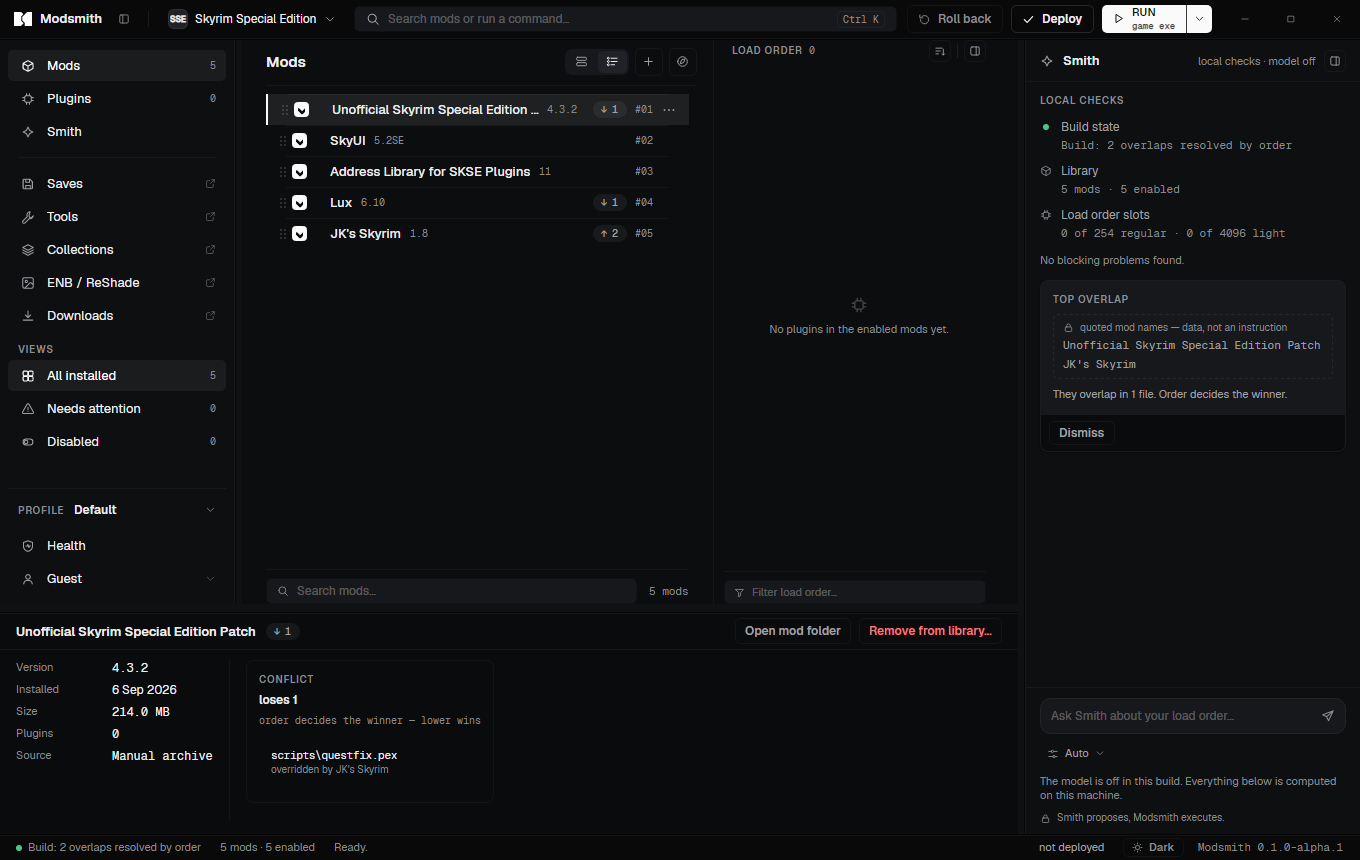
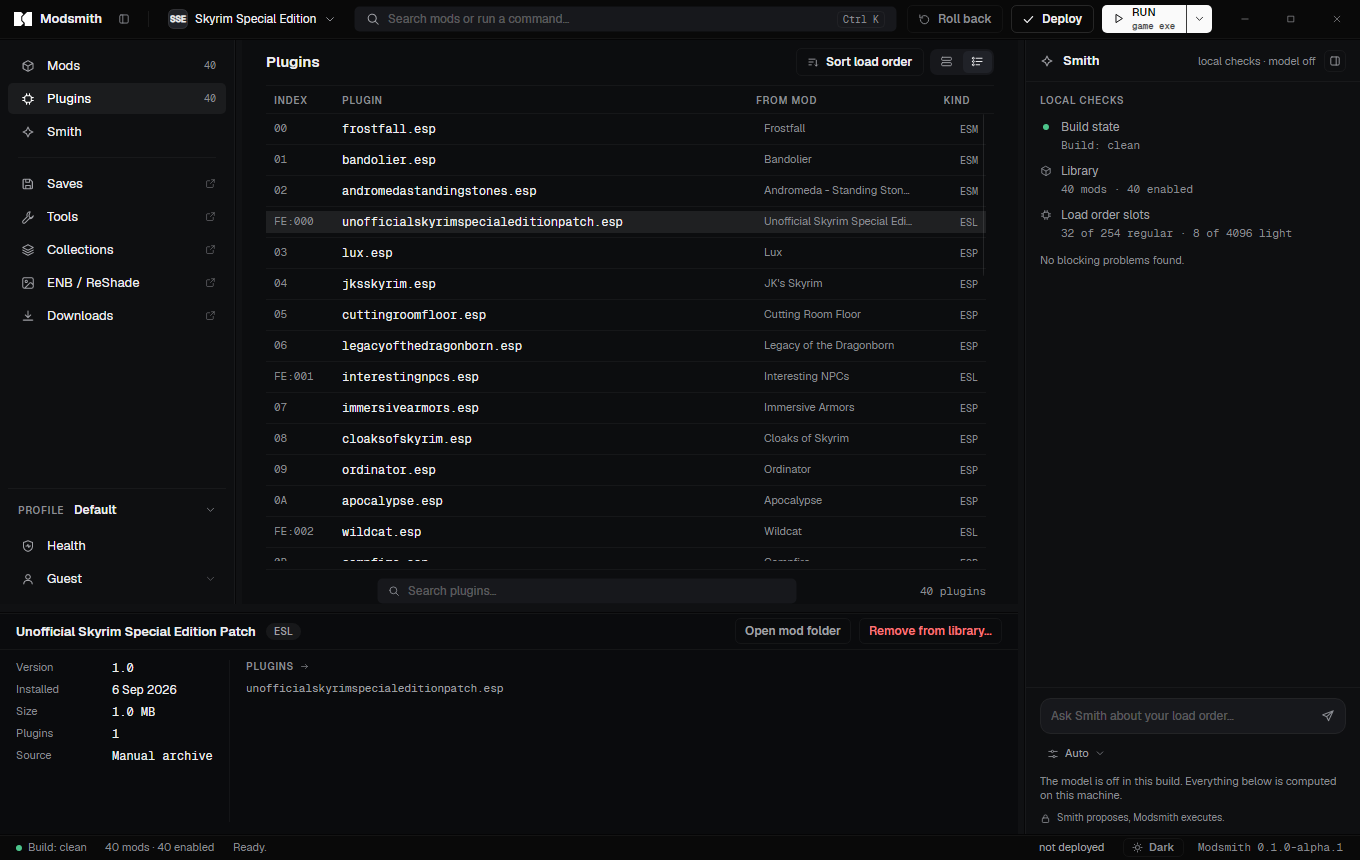
Mod order decides which file wins a conflict; plugin order decides what the game loads. Both are yours to set, and the app shows the consequence of every move.
Who overrides whom
Profiles
A profile stores a mod selection, its order and a launch target. Save isolation is available where the game integration supports it.
Nexus Mods
Modsmith talks to Nexus Mods with your own personal API key and only on your behalf. It never automates what Nexus asks you to click yourself.
Installers and tools
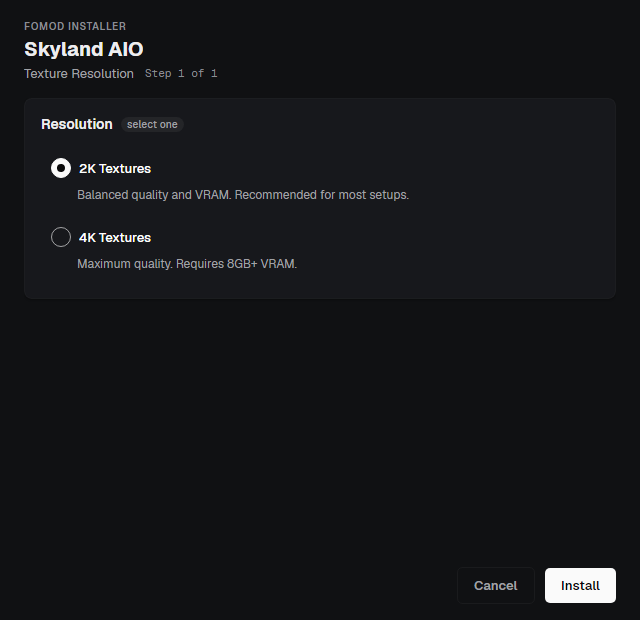
The pieces a serious build cannot do without: option-driven installers, and the external tools that generate patches, animations and LOD.
Sharing and moving in
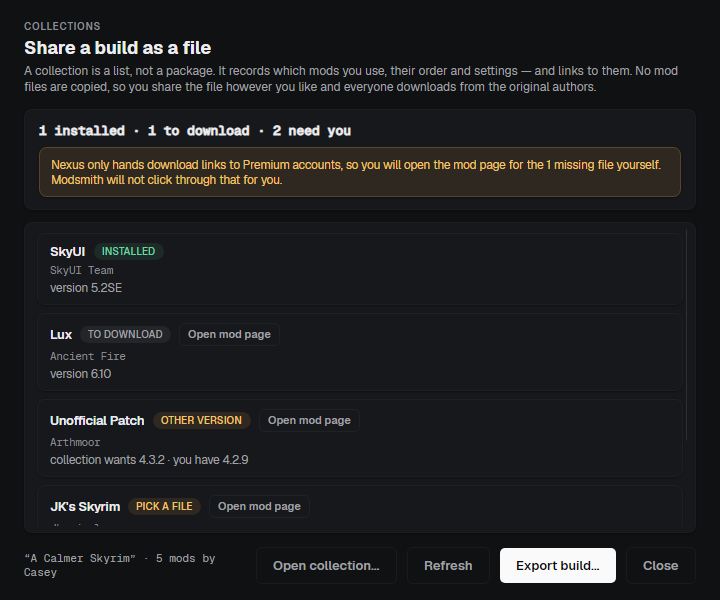
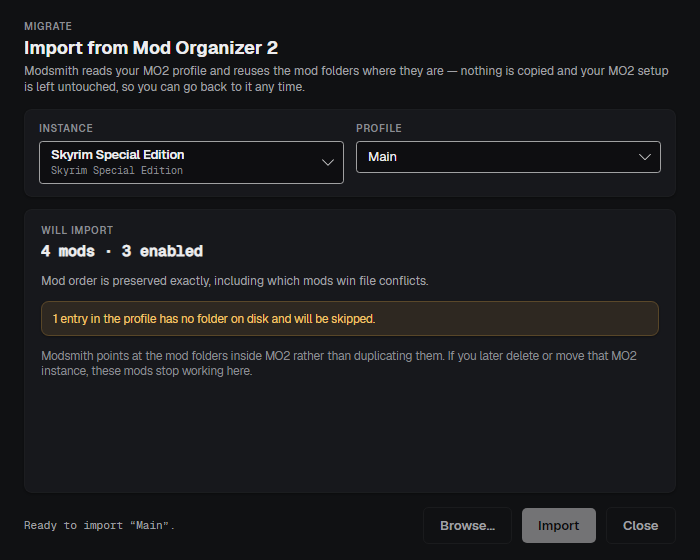
A collection is a file that lists mods by their Nexus ids, never the mods themselves. Importing from Mod Organizer 2 reads your instance and leaves it alone.
Health
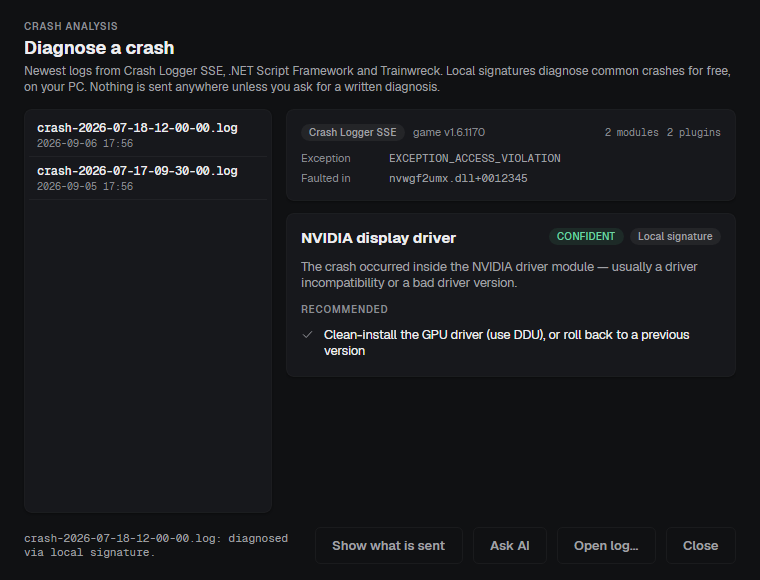
Inspect crash logs, review executable files in mods and check the game runtime. These tools help narrow down a problem; they do not replace testing a build.
Everyday
Ctrl K runs any command or jumps to any mod. Entries for capabilities the current game lacks are simply absent.
Dark, Midnight and Light themes; comfortable and compact lists. Panel widths, hidden sidebar rows and window geometry survive restarts.
A note on any mod, and a search that matches names, authors, plugin names and notes.
The app checks its own update feed at start and when you ask, downloads in the background and restarts only after you confirm, and never while files are being written.
Uninstalling removes the app, restores the save-path setting it changed and leaves a note in the data folder listing anything still deployed and how to undo it.
Modsmith is being built for multiple games. Integrations add game-specific checks and tools. A custom folder can use basic file deployment, but that alone does not establish compatibility or plugin support.
Coming from Mod Organizer 2
Libraries, profiles and priorities will feel familiar. Modsmith deploys files into the real game folder instead of presenting a virtual file system. External tools see those files directly; changes they make may need their own backups.
| In Mod Organizer 2 | In Modsmith | What is different |
|---|---|---|
| Instance | Library and game | One library per game; profiles inside it. |
| Virtual file system | Deploy | Hardlinks in the real folder, journaled and reversible. Tools see the real folder without a hook. |
| Priority | Mod order | Lower in the list wins, like MO2. Dragging works the same way. |
| Overwrite folder | Left in game folder | Files a tool creates are found after it exits and taken into a mod of their own. |
| Separators | Group captions | Imported as they are. |
| Sort (LOOT) | Sort load order | Same masterlist. Here the sort is a suggestion: undo it, or reset the plugins to follow the mod order. |
| Profiles with local saves | Profiles with isolated saves | Same idea; the INI change is backed up and restored on uninstall. |
| Nexus download handler | nxm links | Same handshake with the Nexus site. The app asks before taking the association from another manager. |
| Import | Import a setup from MO2 | Registers the existing mod folders by reference. Keep a backup before making further changes to shared files. |
The public release is still in preparation. Read about the planned assistant or check the release status.