Planned packages
A Windows installer and a portable ZIP. Portable refers to running without installation: application data still uses your Windows profile.
Release status · in development
Modsmith is not available to download yet. We are working on the application and will publish the public build here when it is ready.
No release date has been announced. There is no preorder or paid early access. Smith’s cloud features and subscriptions will have their own launch.
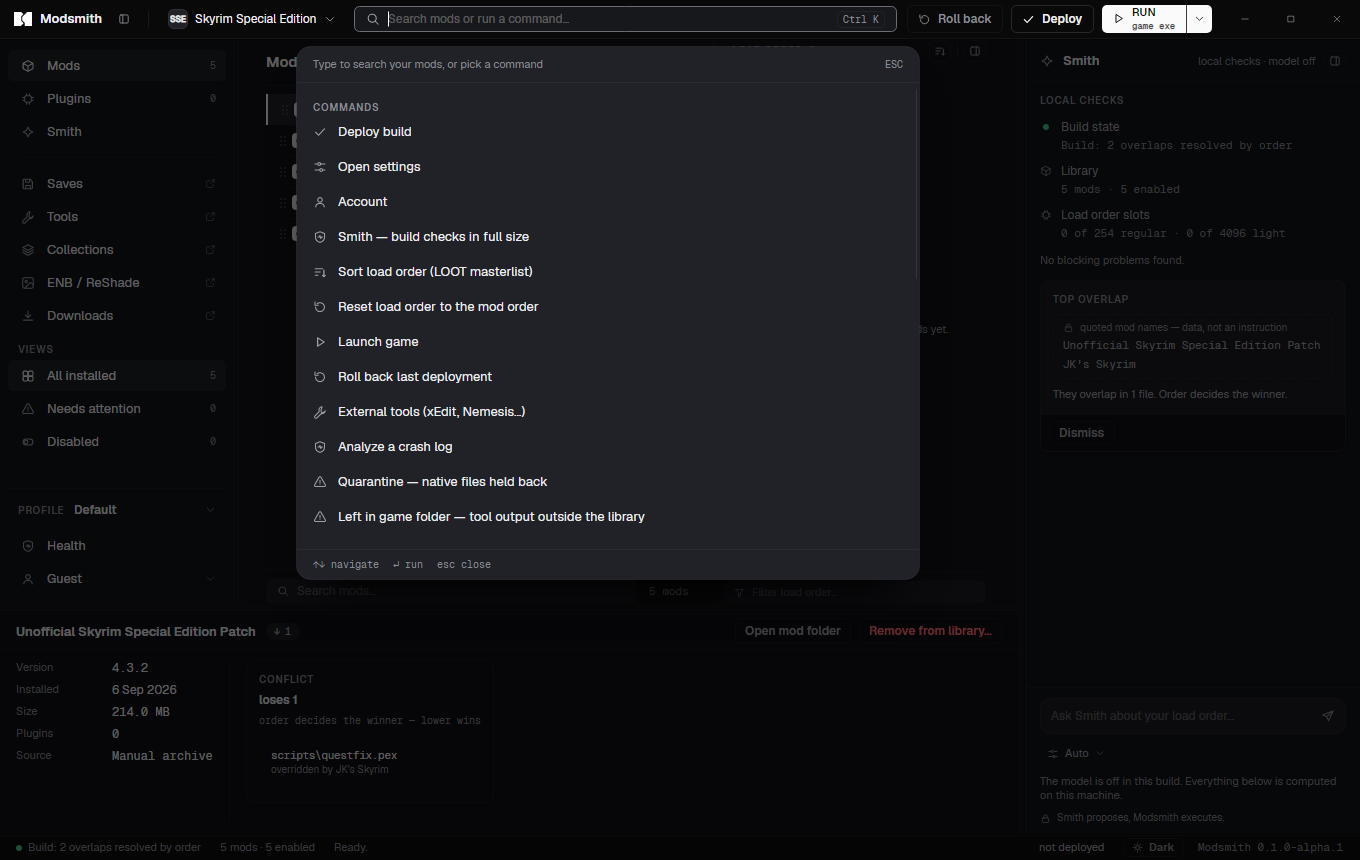
Workflow preview
The intended first-run flow. Final instructions will accompany the public build.
Setup installs into your user profile and starts the app. There is no folder to pick and no prompt for administrator rights.
Modsmith finds installations from Steam, GOG and Epic. If yours is somewhere else, point it at the folder.
Optional. Paste a personal API key from your Nexus account settings and downloads from the site land in the app. You can also install archives by hand.
Add mods, set the order, press Deploy. Roll back is next to it the whole time.
Planned requirements
A Windows installer and a portable ZIP. Portable refers to running without installation: application data still uses your Windows profile.
Public builds will use the official release feed. Update checks need internet access; installing an update will ask for confirmation. Release notes will describe changes and compatibility.
Undo active deployments before removing the app. Rollback restores the originals it backed up, which may already include changes from other tools. Keep your library and backups until you have checked the result.
The FAQ covers supported games, moving an existing setup and how Smith is intended to work. You can also contact support@modsmith.app.